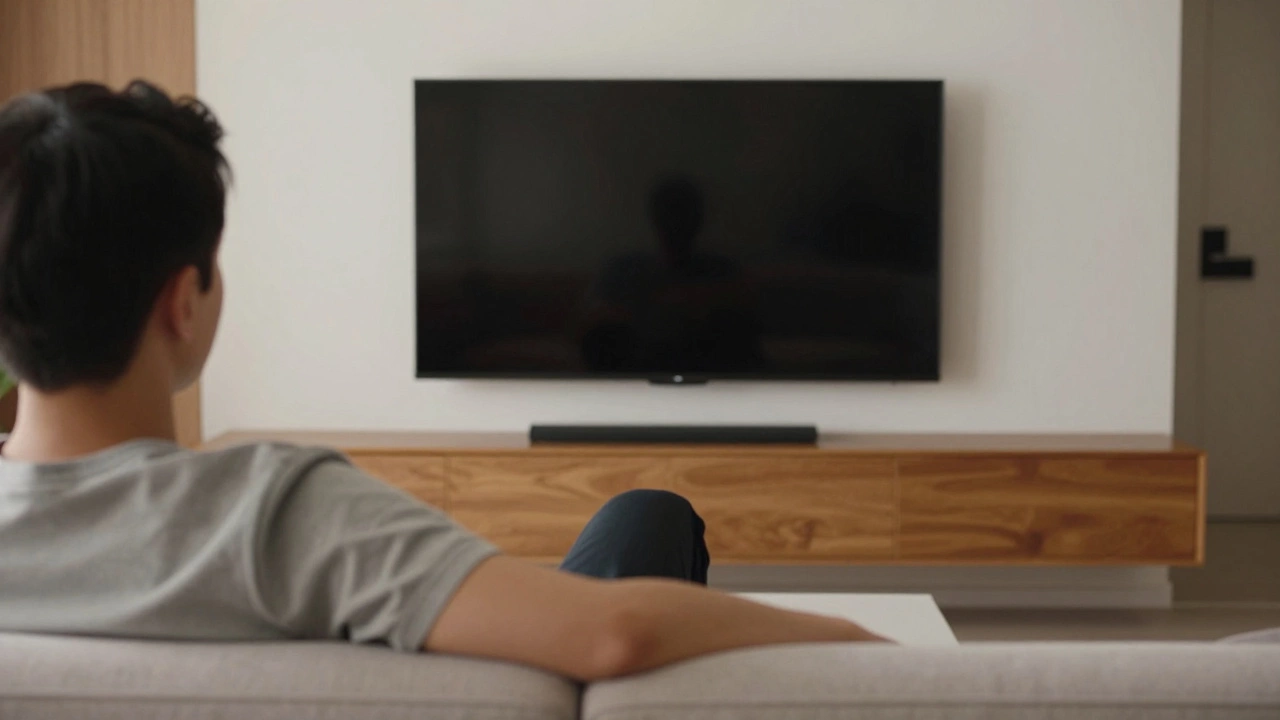
TV Height Calculator
Calculate Your Perfect TV Height
Find the ideal height for your 65-inch TV based on your eye level when seated. This tool uses the expert-recommended guideline that the center of your TV should be at eye level for comfortable viewing.
Most people buy a 65-inch TV because they want that big-screen movie feel at home. But after unboxing it, they realize: where do I put it? If the TV is too high, your neck aches. Too low, and you’re staring at the bottom edge like you’re watching from a couch on the floor. The right height isn’t about what looks cool in a showroom-it’s about what keeps your eyes level with the screen during normal use.
Eye Level Is the Golden Rule
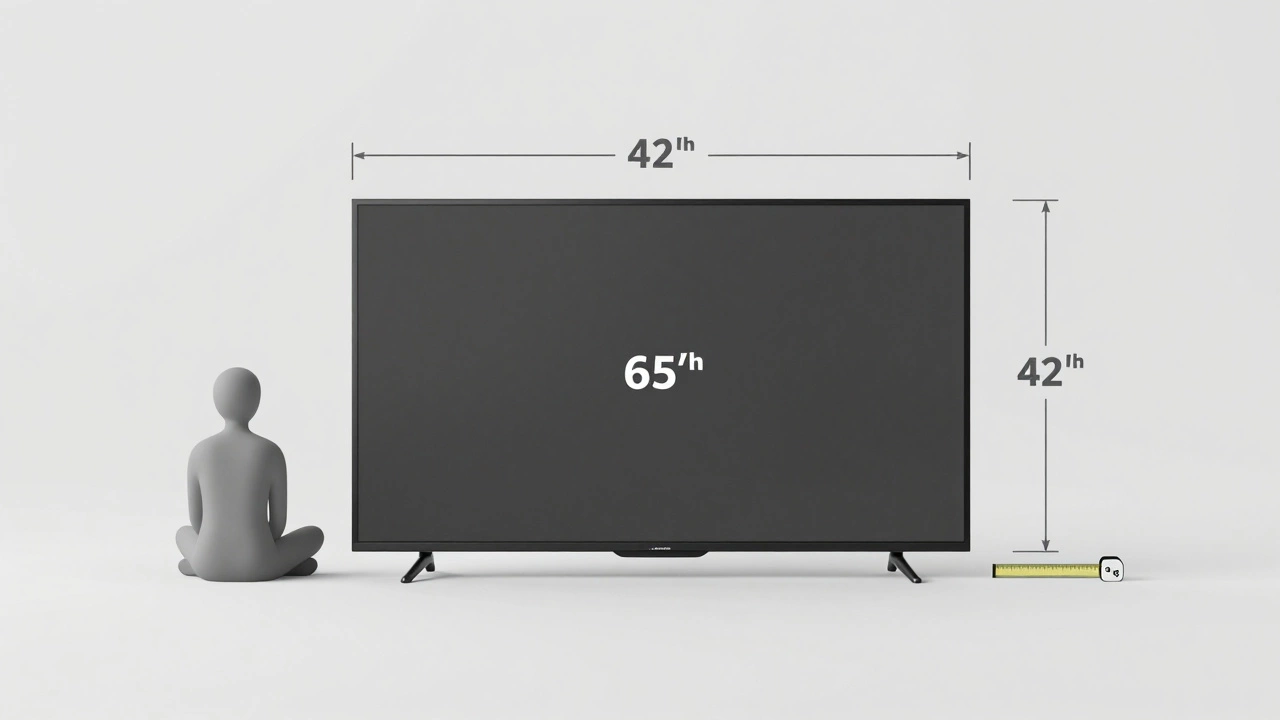
The best height for a 65-inch TV isn’t a single number-it’s a range based on your seating position. The goal? Have the center of the screen at eye level when you’re sitting comfortably. For most people, that’s about 42 inches from the floor to the center of the TV.
Here’s why that matters: Your eyes naturally rest about 40 to 45 inches above the floor when seated on a standard couch. If your TV’s center is higher than that, you’re constantly looking up. That’s fine for a quick glance, but not for two hours of binge-watching. Your neck muscles will tighten, your shoulders will hunch, and you’ll end up with a headache you didn’t sign up for.
Conversely, if the TV is mounted too low-say, at 28 inches-you’re looking down. That’s even worse. It forces your eyes to work harder to focus, and you lose peripheral vision. You might even catch reflections from ceiling lights bouncing off the screen.
How to Measure Your Ideal TV Height
Grab a tape measure and follow these steps:
- Sit in your usual viewing spot on your couch or chair.
- Have someone hold a ruler or measuring tape vertically at eye level.
- Mark the height from the floor to your eyes.
- Subtract half the TV’s height. A 65-inch TV is about 32 inches tall, so half is 16 inches.
- Subtract 16 inches from your eye height. That’s where the bottom of your TV should sit.
For example: If your eyes are 42 inches off the floor when seated, subtract 16 inches. That gives you 26 inches. So, the bottom of your 65-inch TV should be mounted at 26 inches from the floor. That puts the center of the screen right at eye level.
This method works whether you’re using a stand or mounting on the wall. The math doesn’t change-only the hardware does.
TV Stands vs. Wall Mounts: Height Differences
TV stands vary wildly in height. A basic console table might be 18 inches tall. A media stand with drawers could be 24 inches. Add a 65-inch TV on top, and you’re looking at a screen center around 40 to 45 inches-perfect for most people.
But here’s the catch: Most TV stands don’t come with the TV’s exact dimensions listed. You need to check the specs. A 65-inch TV typically has a height of 31.5 to 33 inches. Add that to your stand’s height, then divide by two to find the center.
Wall mounts are trickier because you control the position. But you still need to account for the mount’s bracket. Most fixed mounts add 1 to 2 inches of distance from the wall. Tilt or swivel mounts might add more. Always measure the full depth of the mount before drilling.
Pro tip: If you’re mounting on drywall, make sure the bracket attaches to studs. A 65-inch TV can weigh 45 to 65 pounds. A poorly installed mount isn’t just a nuisance-it’s a safety hazard.
What If You Can’t Get Eye Level?
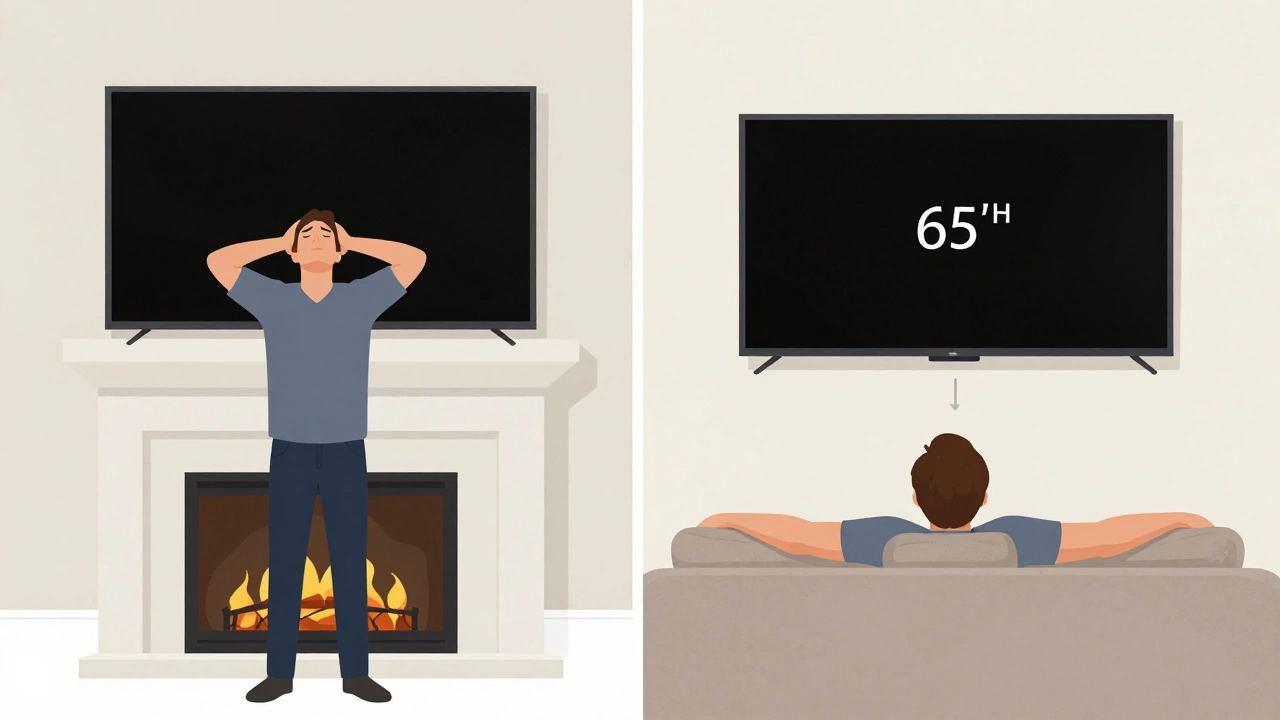
Not everyone can adjust their seating. Maybe you have a low couch. Maybe your room layout forces the TV above the fireplace. Or you’re using a stand that’s too short.
Don’t panic. You have options.
- Use a riser. A simple wooden block, a sturdy media riser, or even a pair of stacked, stable bookends can lift your TV by 4 to 6 inches. Just make sure it’s wide enough to support the base and doesn’t wobble.
- Adjust your seating. If you can swap your couch for one with a higher seat, or add cushions, you can raise your eye level without touching the TV.
- Use tilt. If your mount allows tilt, angle the TV down slightly. This helps reduce neck strain without moving the TV. But don’t tilt more than 10 to 15 degrees-anything more distorts the image and causes glare.
One common mistake: people mount TVs above fireplaces thinking it looks elegant. But fireplaces often sit at 48 to 52 inches high. Add a 65-inch TV, and the center is now 60 to 65 inches off the floor. That’s way above eye level. You’ll end up looking up the entire time. If you must mount above a fireplace, go for a tilting mount and keep the TV as low as possible.
Room Layout and Viewing Distance Matter Too
Height isn’t the only factor. Your distance from the TV affects comfort too. The general rule: sit between 8 and 10 feet away from a 65-inch TV. That’s about 1.5 to 2 times the diagonal screen size.
If you’re sitting closer than 7 feet, the screen feels overwhelming. Your eyes have to move too much to take it all in. If you’re farther than 12 feet, the image loses detail. You might as well be watching on a 50-inch screen.
Combine that with height: if you’re sitting far back, you might be able to get away with a slightly higher mount. But if you’re close, you need to be precise. A 2-inch error in height becomes a 10-inch error in visual comfort when you’re only 6 feet away.
What About Gaming or Sports?
If you use your 65-inch TV for gaming or live sports, the rules stay the same. But you might want to be a little more flexible.
For gaming: Some players prefer a slightly lower center-around 38 to 40 inches-to reduce neck strain during long sessions. That’s fine, as long as it’s still within 5 inches of eye level.
For sports: Fast action means you’re watching the whole screen, not just the center. A slightly higher mount (up to 45 inches center) can help you catch the top of the field or court without craning your neck. But again, don’t go beyond that.
Remember: comfort over aesthetics. A TV mounted slightly off-center is better than one that gives you a stiff neck after 20 minutes.
Final Checklist: Is Your 65-Inch TV at the Right Height?
Before you settle on your setup, run through this quick checklist:
- Is the center of the screen between 40 and 45 inches from the floor?
- Can you watch for 30 minutes without adjusting your head or neck?
- Is the TV level? A crooked screen looks unprofessional and strains your eyes.
- Are cables hidden and secured? A messy wire behind the TV distracts from the viewing experience.
- Is the stand or mount stable? Shake it gently. If it wobbles, fix it.
If you answered yes to all five, you’ve nailed it. No more neck pain. No more squinting. Just pure, comfortable viewing.
Common Myths About TV Height
Let’s clear up a few myths you’ve probably heard:
- Myth: "The TV should be at the same height as your sofa." → False. Your eyes are higher than your seat. The TV should match your eyes, not your cushion.
- Myth: "Mount it as high as possible for a theater feel." → False. Movie theaters have steeply raked seating. Your living room doesn’t. You’re not in a cinema.
- Myth: "It doesn’t matter if it’s a little high-I’ll get used to it." → False. Your body adapts to discomfort, but that doesn’t mean it’s healthy. Chronic neck strain leads to long-term posture problems.
Don’t let design trends override comfort. This isn’t interior design-it’s ergonomics.
Is 42 inches the exact height for a 65-inch TV?
42 inches is the ideal height for the center of the screen, not the bottom. For a 65-inch TV, which is about 32 inches tall, the bottom should sit around 26 inches from the floor. This puts the center at eye level for most seated viewers.
Can I put a 65-inch TV on a 30-inch stand?
Yes, but you’ll need to check the total height. A 30-inch stand plus a 32-inch-tall TV puts the bottom of the screen at 30 inches and the center at about 46 inches. That’s slightly above average eye level. If your seating is low, it might work. If you’re tall or sit on a higher couch, consider a riser or a lower stand.
Should I mount my TV above the fireplace?
It’s not recommended. Fireplaces often place the TV center above 60 inches, forcing you to look up constantly. This causes neck strain. If you must, use a tilting mount and position the TV as low as possible. Better yet, mount it to the side or on a lower wall.
Does TV height matter for wall mounting vs. a stand?
No, the principle is the same. Whether on a stand or wall, the center of the screen should be at eye level when seated. The only difference is how you achieve that height-either by choosing a stand or adjusting the mount’s position.
What if my couch is too low?
Raise your seating. Add cushions, swap your couch for one with a higher seat, or use a sturdy riser under the TV stand. Don’t lower the TV to match a low couch-that creates a different kind of strain. Your eyes should be level with the screen, not your seat.