TV Stand & Leg Compatibility Checker
Lost your TV legs? Use this tool to determine if you need exact replacements, a universal kit, or a wall mount based on your screen size and estimated weight.
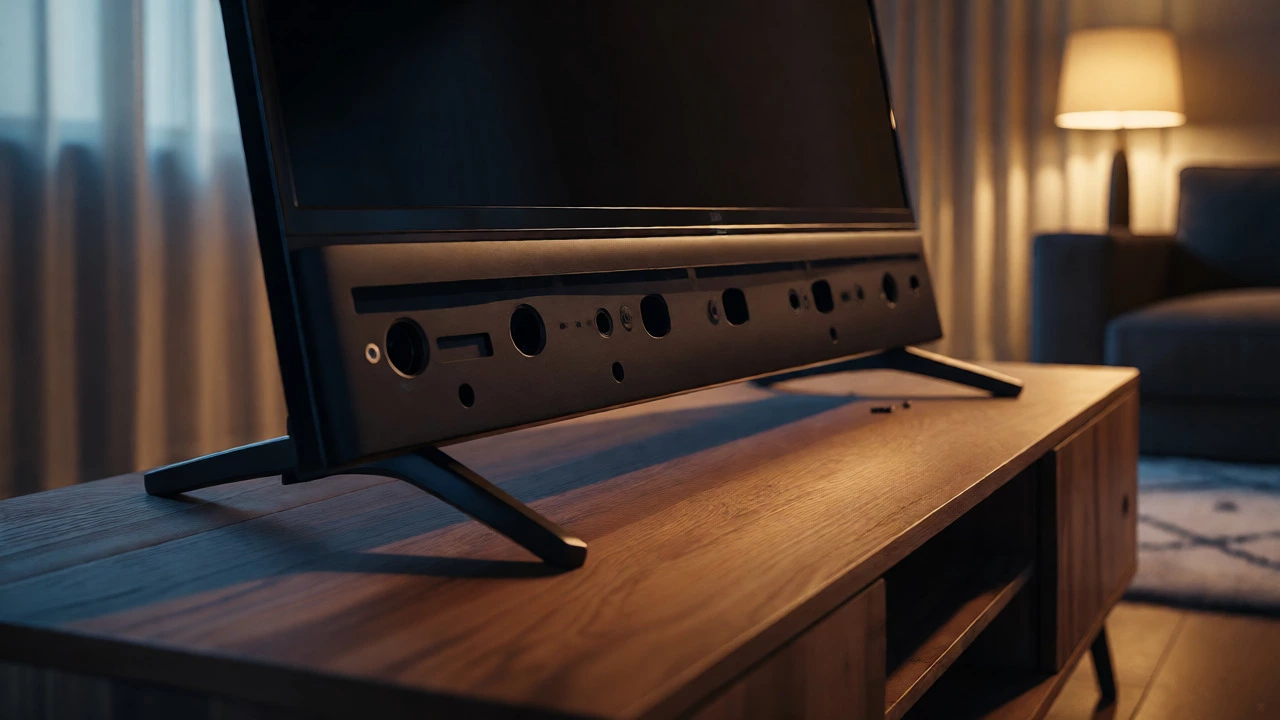
You’re settling in for movie night, the lights are dimmed, and you realize something is missing. The TV is tilting dangerously or sitting directly on the console because the legs have vanished. Maybe they broke during a move, got lost in a box of cables, or simply snapped off due to cheap plastic construction. Don’t panic. You don’t need to buy a new television, and you definitely don’t need to call a technician.
Here is the good news: replacing TV legs is often easier than assembling them in the first place. Whether you have a Samsung, LG, Sony, or a generic brand, there are three main paths to getting your screen back up and stable. We’ll walk through finding exact replacements, using universal kits, and creative DIY fixes that actually look intentional rather than makeshift.
Can You Find Exact Replacement Legs?
Before you start rummaging through hardware stores, check if your manufacturer still sells the specific part. This is the cleanest solution because it preserves the original aesthetic and ensures perfect weight distribution. Most major brands list replacement parts on their support pages under "Accessories" or "Parts." You will need two pieces of information: the model number (usually on a sticker on the back of the TV) and the part description, which might be listed as "stand base," "feet," or "leg assembly."
If your TV is less than five years old, this is usually a straightforward order. For older models, manufacturers sometimes discontinue specific stands. If you find the part, expect to pay between $20 and $60 for a pair. Shipping can take a week, so if you need an immediate fix, keep reading.
The Universal Stand Solution
If exact replacements are unavailable or too expensive, a Universal TV Stand is your best bet. These are not one-size-fits-all magic wands, but they work for about 80% of modern flat screens. The key here is compatibility, specifically regarding the VESA mount pattern and the screw thread size.
Most TVs use standard metric screws (M4, M5, or M6) to attach legs to the bottom chassis. A universal kit typically comes with multiple screw types and adjustable arms. When shopping online, filter by your TV’s screen size (e.g., 32-55 inches) and weight capacity. Do not guess the weight; check your manual or the label on the back. A 55-inch OLED weighs significantly more than a 55-inch LED LCD.
| TV Size Range | Typical Screw Thread | Weight Capacity Needed | Best Universal Option |
|---|---|---|---|
| 24" - 32" | M4 | 10-15 lbs | Small desktop style |
| 40" - 50" | M5 or M6 | 20-35 lbs | Standard wide-base |
| 55" - 75" | M6 or M8 | 40-70 lbs | Heavy-duty steel frame |
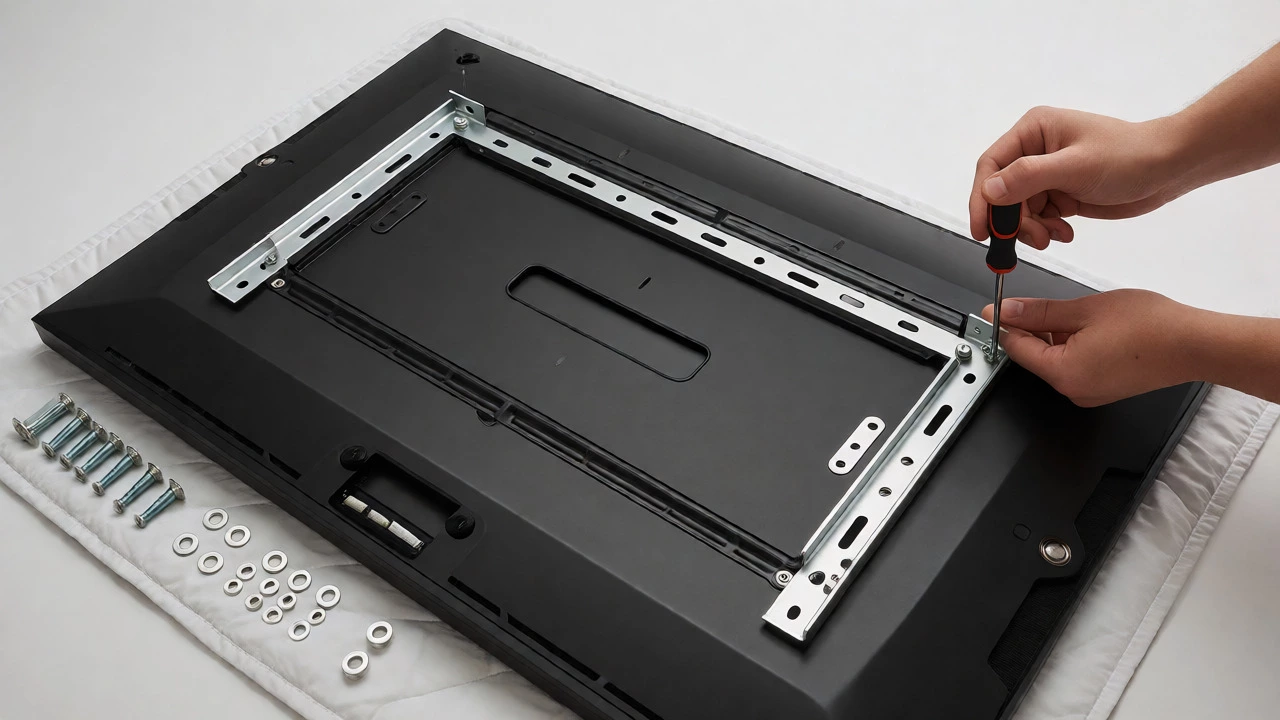
Installation is simple: align the holes on the universal bracket with the existing screw holes on the TV’s bottom edge. Tighten them securely but avoid over-torquing, which can strip the plastic threads. Test stability before letting go.
Creative DIY Fixes That Actually Work
Sometimes you need a fix right now, tonight, and you cannot wait for shipping. Or perhaps you want a custom look. There are several reliable DIY methods that hold up well over time.
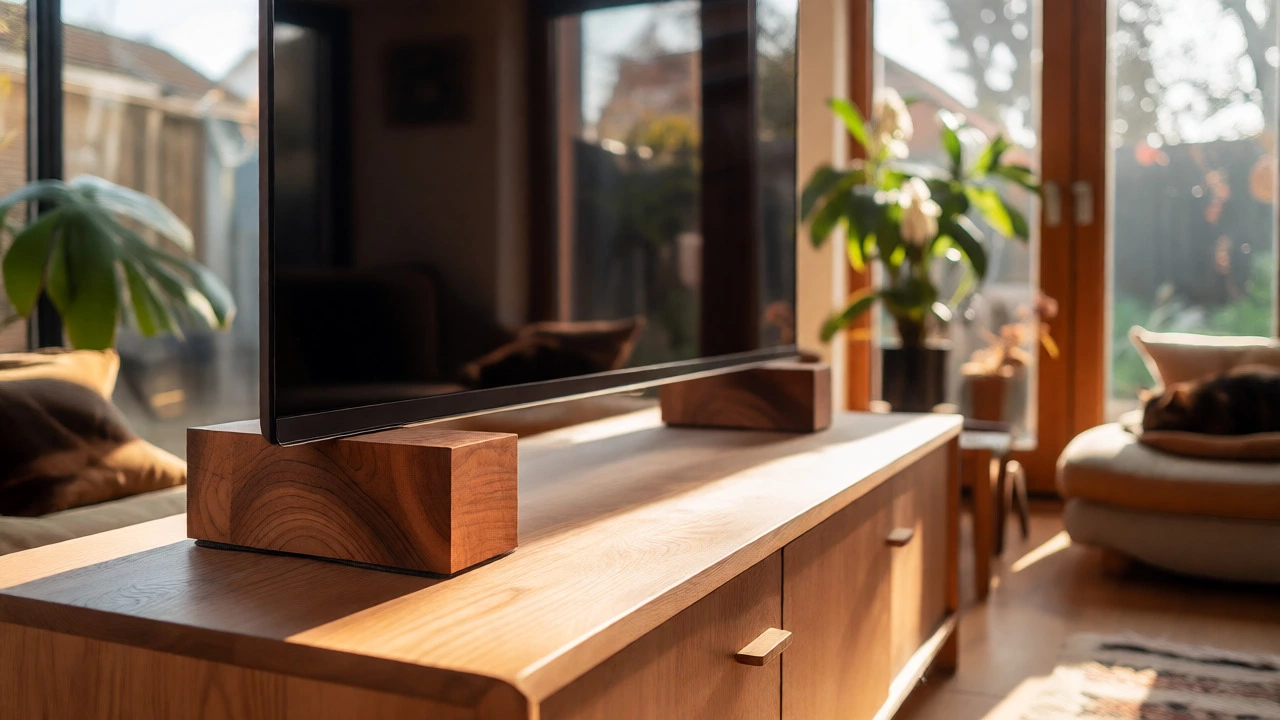
- Wood Blocks: Cut two pieces of hardwood (oak, maple, or walnut) into rectangles slightly larger than the TV’s footprint at the bottom. Drill pilot holes matching your TV’s screw threads. Attach the blocks directly to the TV. This creates a solid, heavy base that looks like a designer accessory. Add felt pads to the bottom to protect your furniture.
- Bookshelf Brackets: Standard L-brackets from a hardware store can serve as legs. Mount the long side of the bracket to the TV’s bottom panel using appropriate screws. Ensure the brackets are rated for the TV’s weight. This gives a sleek, industrial vibe and raises the TV slightly higher than stock legs.
- Wall Mount Adapter: If you have an old wall mount lying around, you can sometimes repurpose its plate. Some mounts allow the plate to sit flush against a shelf, acting as a low-profile stand. Check the load rating carefully.
Avoid using cardboard, thick books, or uneven objects as permanent solutions. They create vibration issues when bass hits and can lead to tipping accidents, especially in homes with pets or small children.
Should You Just Wall-Mount Instead?
Losing legs is often a sign that a floor stand is inconvenient. If you are tired of dust bunnies gathering behind the TV or struggling with cable management, consider switching to a Wall Mount. Modern low-profile mounts cost less than high-end universal stands and free up valuable surface area.
Check your TV’s VESA pattern (the distance between the four mounting holes on the back). Common patterns include 100x100mm, 200x200mm, and 400x400mm. Most mounts cover a range of these sizes. Installation requires drilling into studs, which takes about 30 minutes for most people. If you rent, look for adhesive heavy-duty strips rated for 50+ pounds, though studs are always safer for large screens.
Preventing Future Leg Loss
Once you have fixed the issue, how do you stop it from happening again? Plastic legs degrade over time, especially if the TV sits in direct sunlight or near heat sources. To extend their life:
- Tighten all leg screws every six months.
- Add rubber washers between the leg and the TV chassis to reduce stress points.
- Avoid sliding the TV across surfaces; lift it instead.
If your current legs feel flimsy even after reattachment, it is worth investing in a sturdier third-party stand immediately. Cheap plastic fails suddenly, not gradually.
Frequently Asked Questions
Can I use legs from another TV model?
Sometimes, yes. If both TVs use the same screw thread size (e.g., M5) and the hole spacing on the bottom chassis matches, the legs might fit. However, the width and angle may differ, causing instability. Always test balance before trusting it with an expensive screen.
What if my TV has no screw holes for legs?
Some ultra-thin OLEDs or QLEDs come without pre-drilled holes for traditional legs, relying on a central pedestal or wall mount only. In this case, you must use a specialized adapter kit designed for that specific model series, or opt for a wall mount. Adhesive solutions are risky for large screens without mechanical anchoring.
Is it safe to put a TV on just one leg?
No. Modern TVs are top-heavy and wide. One leg cannot provide lateral stability. The center of gravity is too high, making the TV prone to tipping forward or sideways with minimal force. Always ensure at least two contact points on the base.
How much weight can a universal TV stand hold?
It varies widely. Small desktop stands handle 10-15 lbs. Standard living room stands typically support 30-50 lbs. Heavy-duty steel frames can hold 70+ lbs. Never exceed the weight rating listed on the stand’s packaging, as safety margins account for dynamic forces like vibrations or accidental bumps.
Do universal stands damage the TV?
Not if installed correctly. Use the correct screw length-too long and you puncture internal components; too short and the connection is weak. Use nylon or metal washers to prevent scratching the chassis. Avoid overtightening, which can crack the plastic housing around the screw holes.